

Prerequisites
Before you begin, make sure you have:- An Passy API key
- Access to an n8n instance (self-hosted or cloud)
- Basic familiarity with creating n8n workflows
Integration Guide
Passy can be seamlessly integrated into n8n using the OpenAI node with custom configuration. Follow the steps below to set up the integration.Create OpenAI Credentials
First, you need to create credentials for connecting to Passy’s API.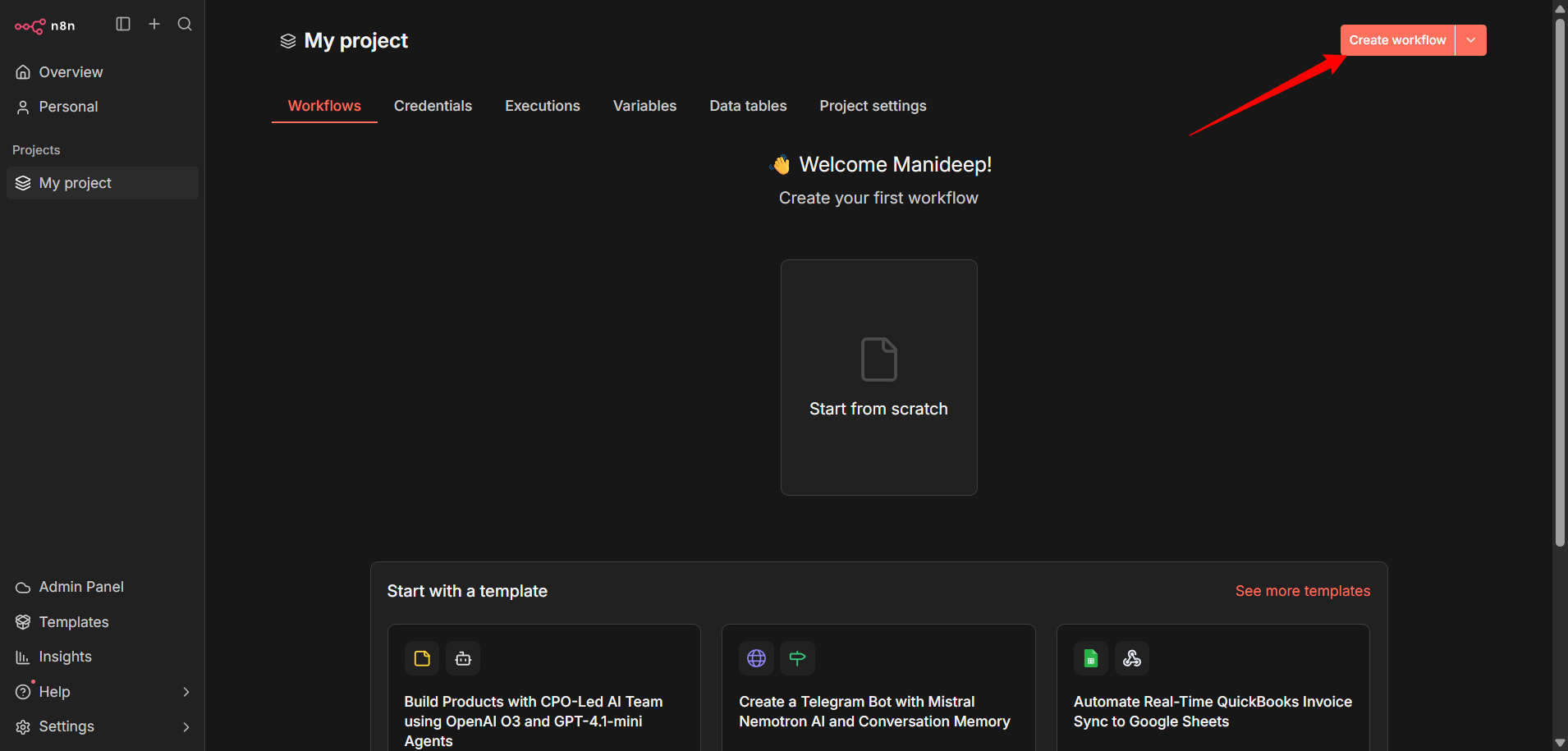
- In your n8n instance, navigate to Settings → Credentials
- Click on Add Credential to create a new credential
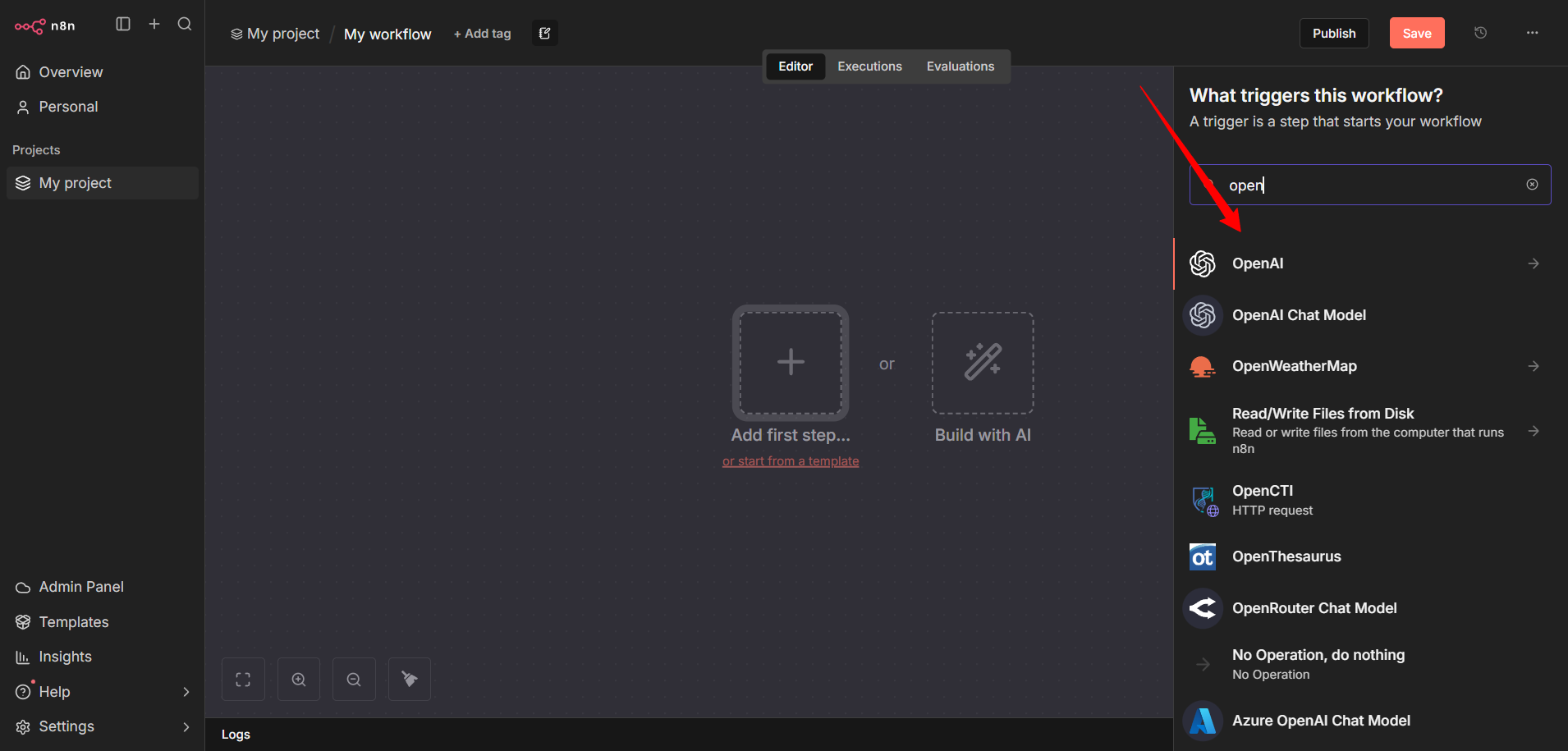
- Search for and select OpenAI from the list of available credentials
Configure Passy Connection
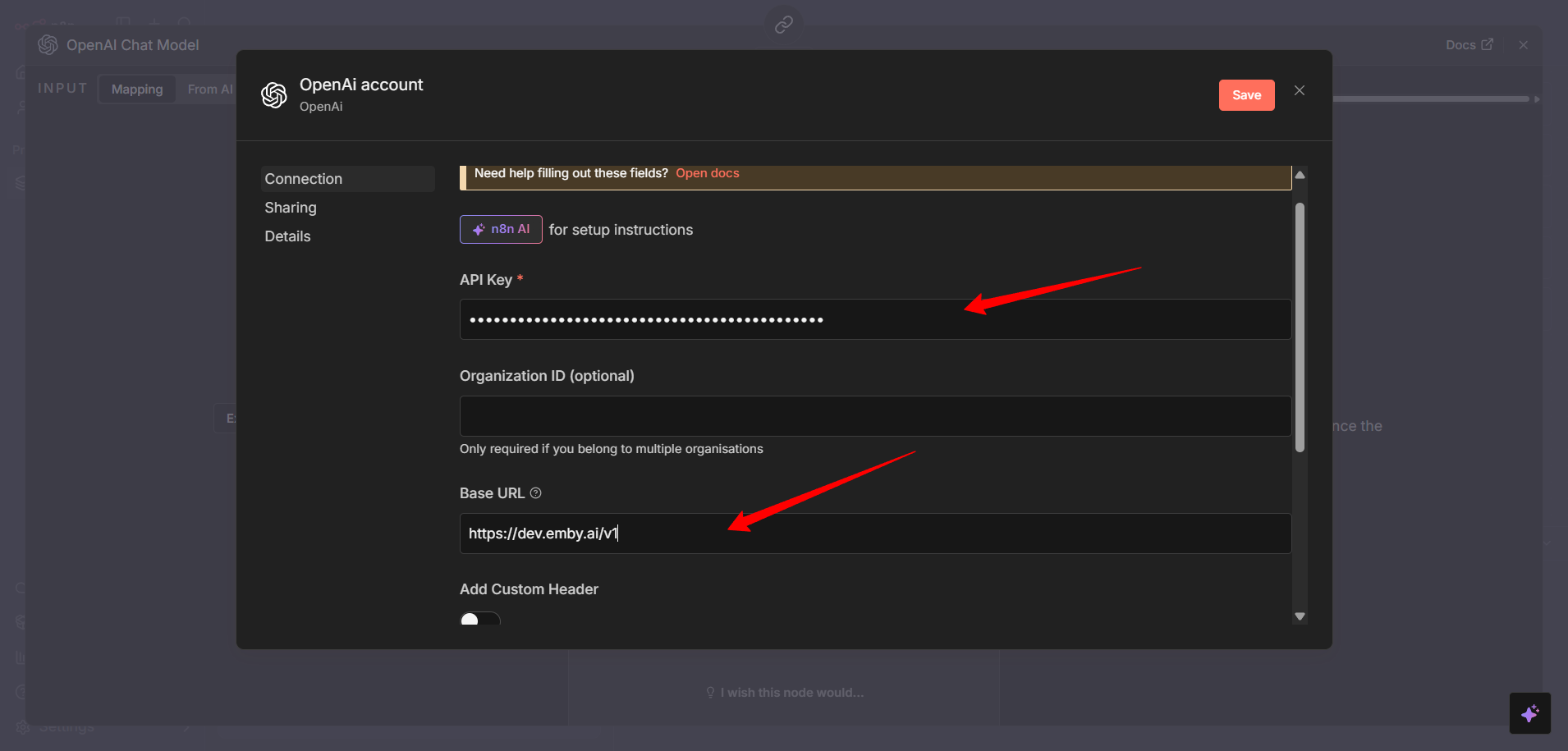
Now you’ll configure the OpenAI credential to point to Passy’s API endpoint.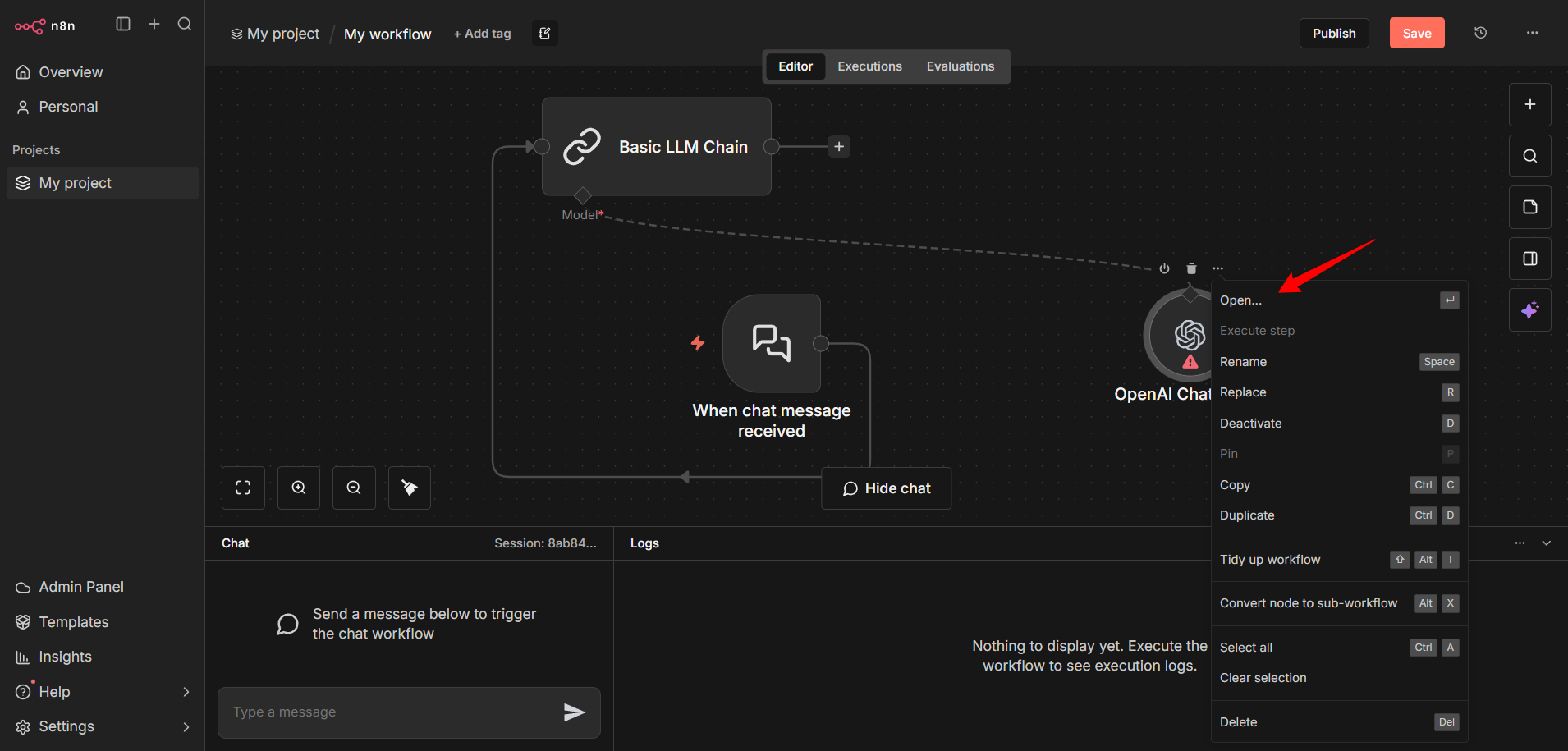
- Credential Name: Give it a descriptive name like “Passy AI”
- API Key: Paste your Passy API key
- Base URL: Enter
https://api.passy.ai/v1 - Organization ID: Leave this field blank
Use Passy in Your Workflow
Now you can add AI capabilities to your n8n workflows using Passy.- Create a new workflow or open an existing one
- Add an OpenAI Chat Model node or AI Agent node to your workflow
- Select the Passy credentials you just created
- Choose a model from Passy’s model catalog
Popular models to try: -
gpt-5 - OpenAI’s GPT-5 model -
claude-4.5-sonnet - Anthropic’s Claude 4.5 Sonnet - gemini-3.0-flash -
Google’s Gemini 3.0 FlashImportant: If you’re using the OpenAI node, make sure to disable the “Use
Responses API” option, as Passy does not currently support this feature.
- Configure additional parameters as needed (temperature, max tokens, etc.)
- Connect the node to your workflow logic
Test the Integration
Test your workflow to ensure everything is working correctly.- Add a test input to your workflow (e.g., a manual trigger with a sample prompt)
- Execute the workflow
- Verify that you receive responses from the Passy AI model
- Check the execution logs if you encounter any issues
Success! You’ve successfully integrated Passy with n8n. You can now build
powerful AI-driven automation workflows.
Next Steps
Now that you have Passy integrated with n8n, you can:- Explore different AI models available through Passy
- Build complex workflows combining AI with other services
- Use AI agents for multi-step reasoning and task completion
- Check out n8n’s AI documentation for advanced use cases
Support
If you encounter any issues or have questions:- Check the Passy documentation
- Visit the n8n community forum
- Contact Passy support through the Discord community